
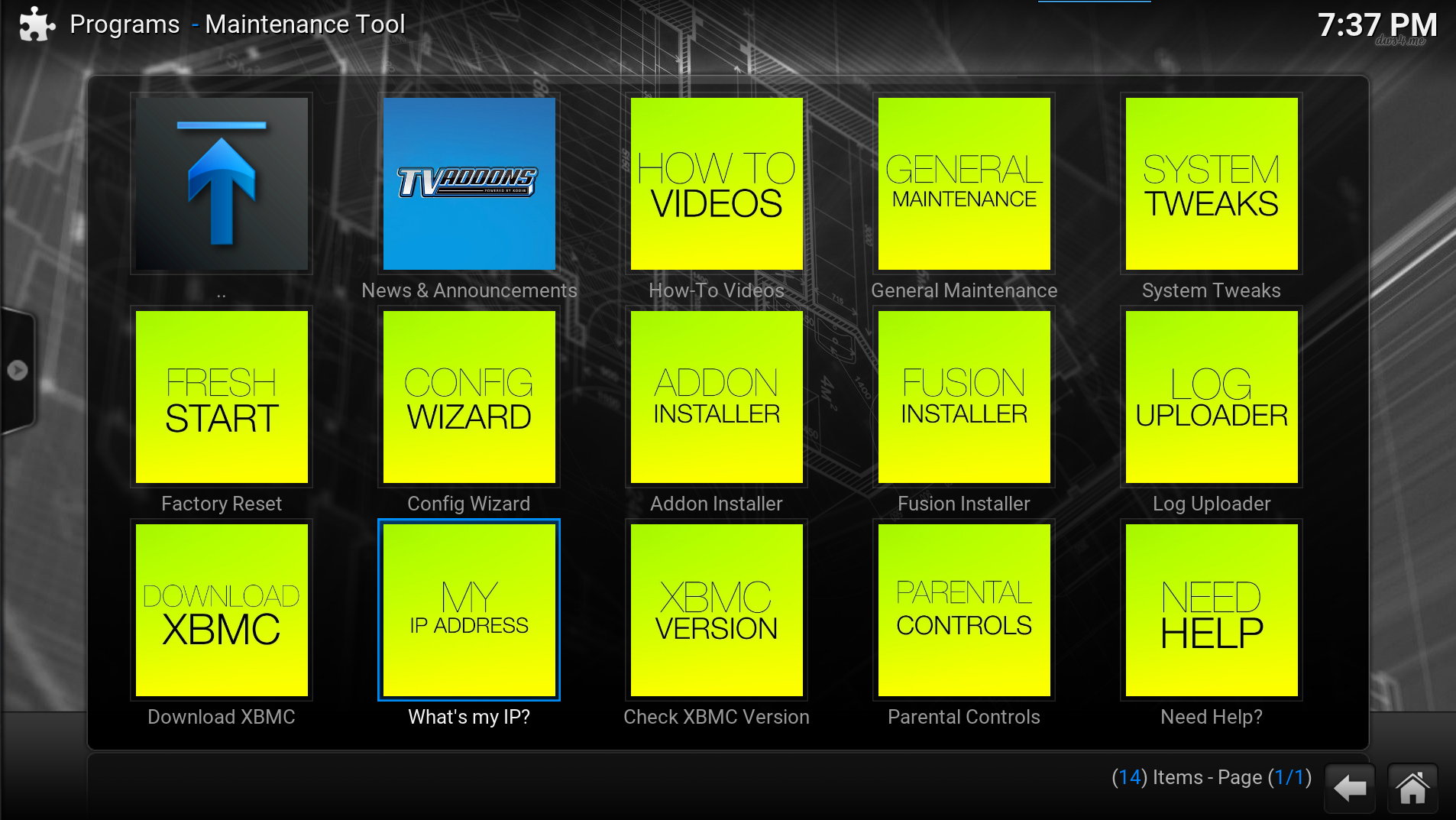
The Kodi Maintenance Tool is a plugin that provides lots of useful features within one of the World’s most popular media centre systems. Details on the plugin and instructions for installing it can be found on the developers site tvaddons.ag :
https://www.tvaddons.ag/maintenance-tool-kodi/
I recently installed it on my Raspberry Pi 3 based system but discovered that the “What’s my IP address” feature didn’t work. I needed to use this to check my VPN connection was working.
 It appeared that the plugin was calling a webpage from iplocation.net and then extracting the IP address and location details. The layout of this page had obviously changed and the plugin was unable to filter the result. I’m not sure why this has been broken for so long as it is really easy to fix.
I didn’t care about geographic location information so I simplified the solution to just give me the external IP address. To do this I used the service provided by ipify.org. They just give you the plain IP address.
Fixing “My IP Address”
On the Raspberry Pi fixing this utility is fairly easy and only takes a few minutes. The plugins are generally written in Python and once you’ve found the correct folder they can be edited with a text editor.
Step 1 – Connect and Browse
Connect to your Pi using SSH using a utility such as Putty or MobaXterm.
Browse to the Maintenance tool directory using :
cd /home/osmc/.kodi/addons/plugin.video.xbmchubmaintenance/
I was using the OSMC distribution but the location on other distributions should be similar. In OpenElec the location is : /storage/.xbmc/addons/plugin.video.xbmchubmaintenance/.
Step 2 – Edit default.py
Edit the default.py file using :
nano default.py
Find the following function definition :
################################
###          My IP           ###
################################
def MYIP(url='http://www.iplocation.net/',inc=1):
....
################################
###        End My IP         ###
################################
replace with :
################################
###          My IP           ###
################################
def MYIP(url='https://api.ipify.org/'):
    ip = net.http_GET(url).content
    dialog=xbmcgui.Dialog()
    dialog.ok(AddonTitle,"[B][COLOR gold]Your IP Address is: [/COLOR][/B] %s" % ip)
################################
###        End My IP         ###
################################
As with all Python make sure you get the indentation correct.
Step 3 – Save and Exit
Use [CTRL-X], then [Y], then [ENTER] to save the text file and quit the nano editor. Obviously you can use various other techniques for editing this file so feel free to use an alternative.
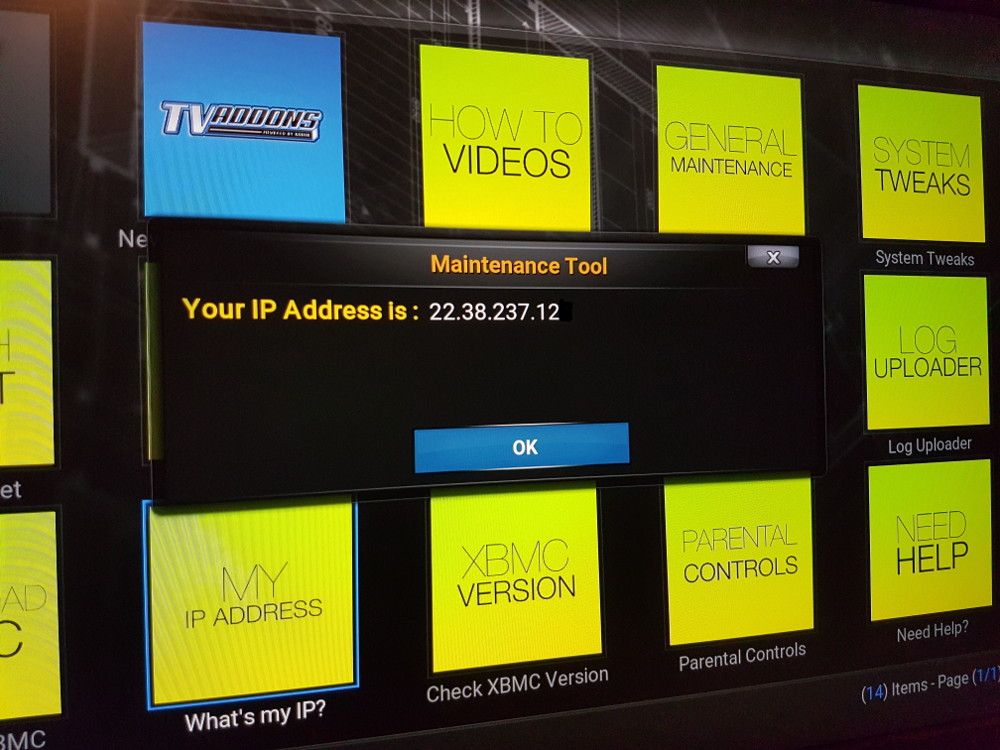
If you typed the function correctly the “My IP Address” option should now present you with a pop-up window showing your external IP address.
4 Comments
your article is very interesting I tried it on my raspebarry most 3 ee kodi but unfortunately it does not work, it returns me an error.
GIP, it worked for me. I have a Raspberry Pi 3 running osmc. It failed the first time I tried it, but that may have been due to a typing error because I reinstalled the Maintenance Tool and redid the changes to default.py and voila it worked!
Beats me why this hadn’t been fixed a long time ago though.
I tried to apply the fix you outlined but am getting an error. Could you take a look and let me know what may be wrong?
https://goo.gl/photos/V8pQDoAucaVZJFGq8
It lists an “indentation error”. In Python the indentation of each line must be consistent. You’ve probably got a mixture of spaces and tabs or the incorrect number of spaces/tabs.