Close Menu
    Facebook X (Twitter) Instagram
    Trending
    • SharePoint Internal Column Name Encoded Character List
    • Satchel Pelts List for Red Dead Redemption 2
    • Create a Video Wall With FFmpeg
    • Mitsubishi Outlander Towbar Electrics
    • Mitsubishi Outlander Towbar Installation
    • Telephone Block List
    • Hard Drive Repair After Wrong Voltage Mishap
    • How To Send Excel Workbook As Email Using Button
    YouTube Instagram Facebook RSS
    Technology Spy
    • Tutorials & Help
    • Reviews
    Technology Spy
    You are at:Home»Reviews»Perixx Periboard 410 and 411 Compact Keyboard Reviews
    Keyboard

    Perixx Periboard 410 and 411 Compact Keyboard Reviews

    0
    By Matt on August 3, 2014 Reviews

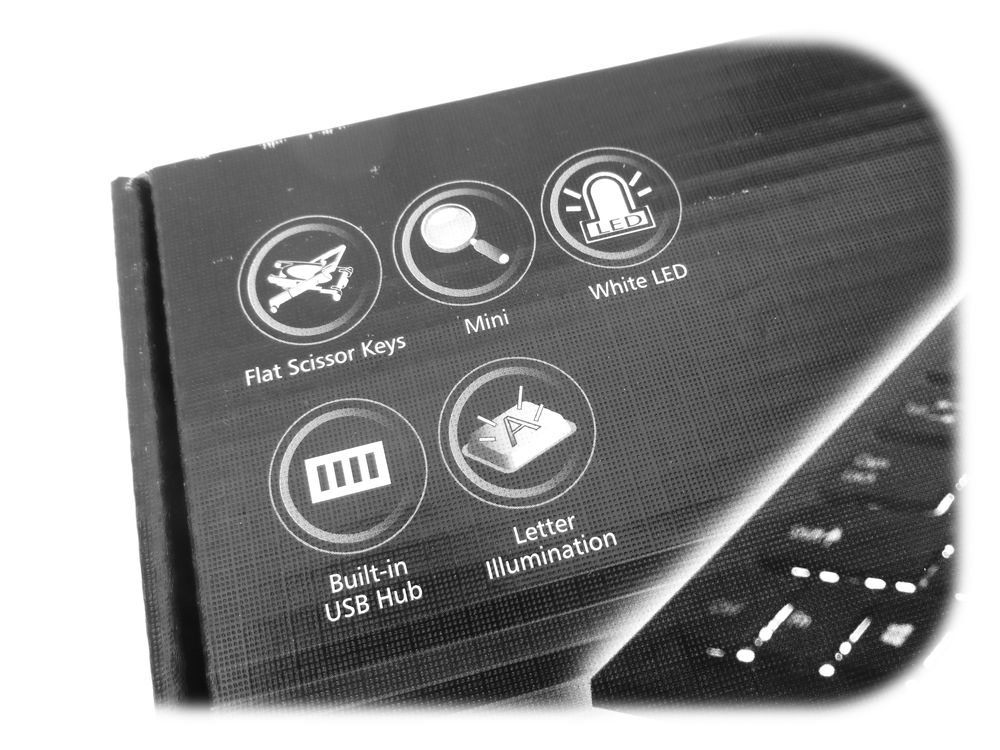
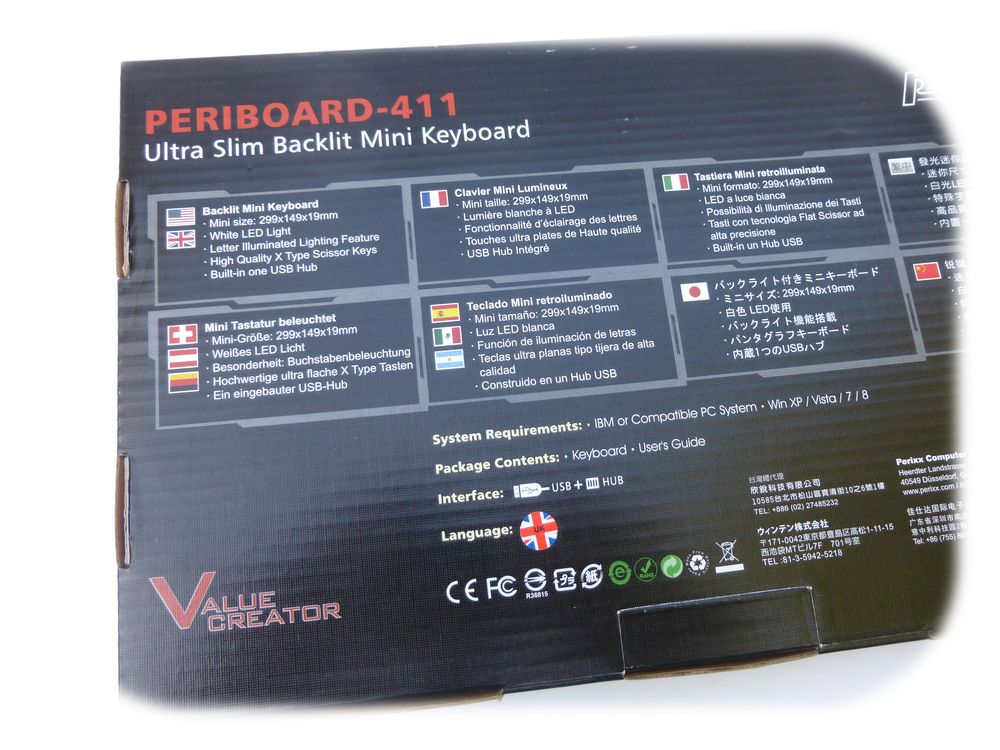
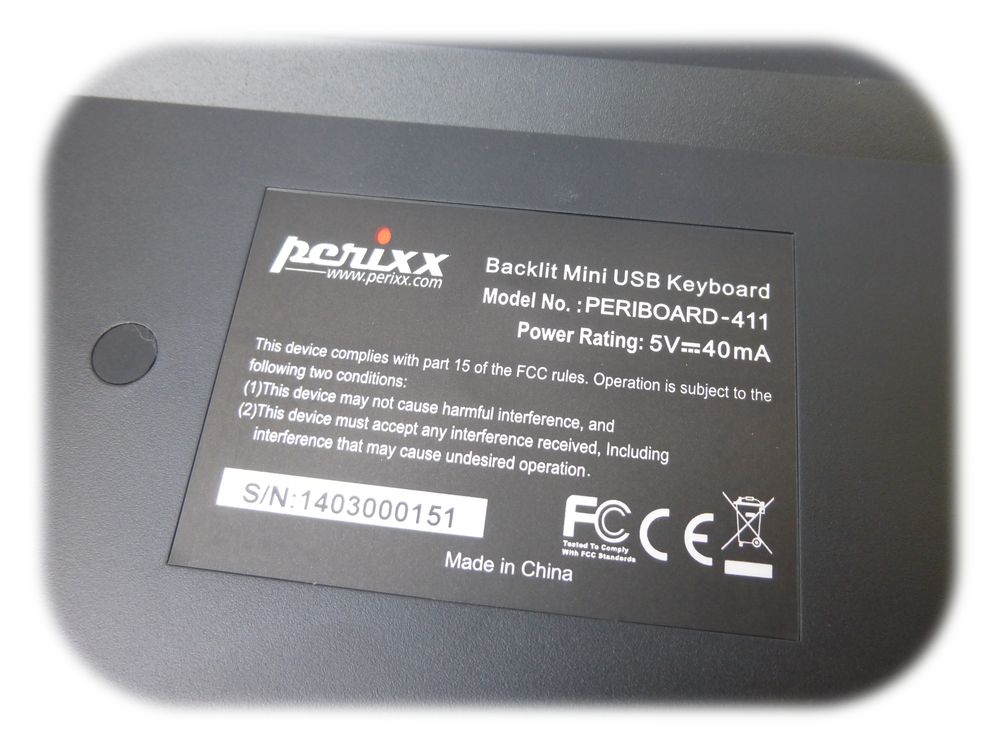
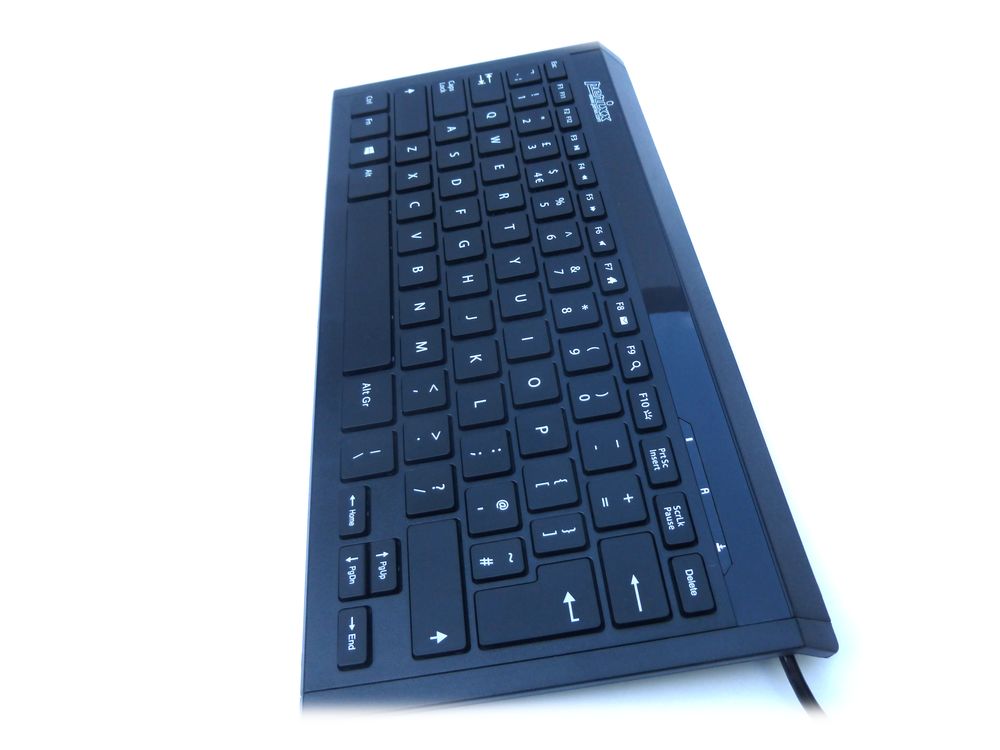
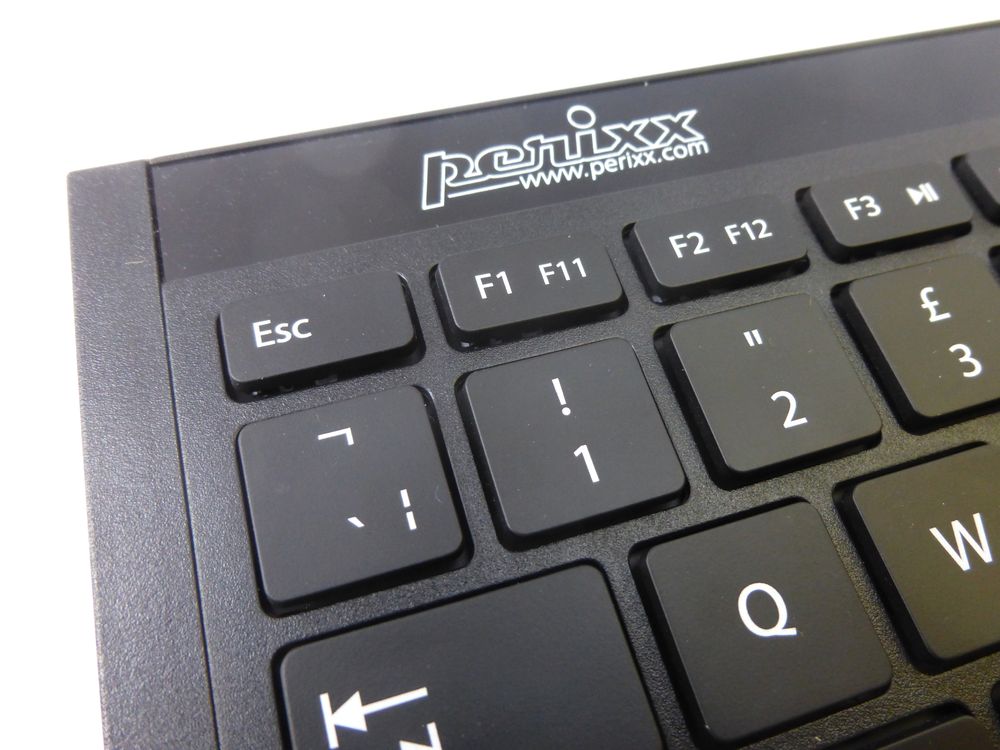
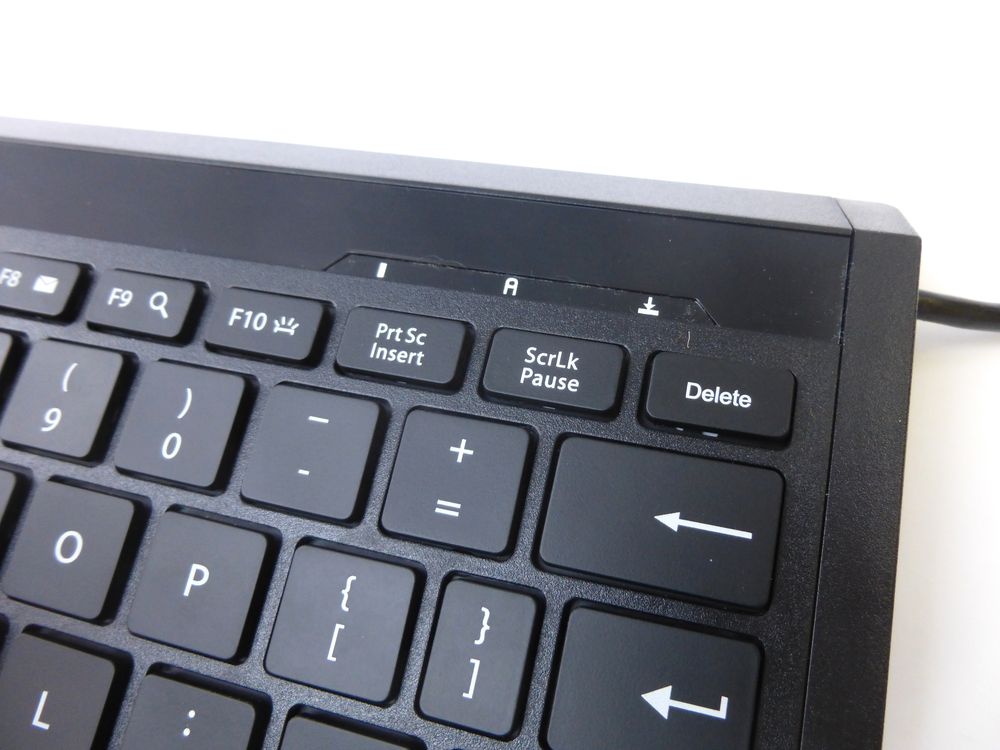
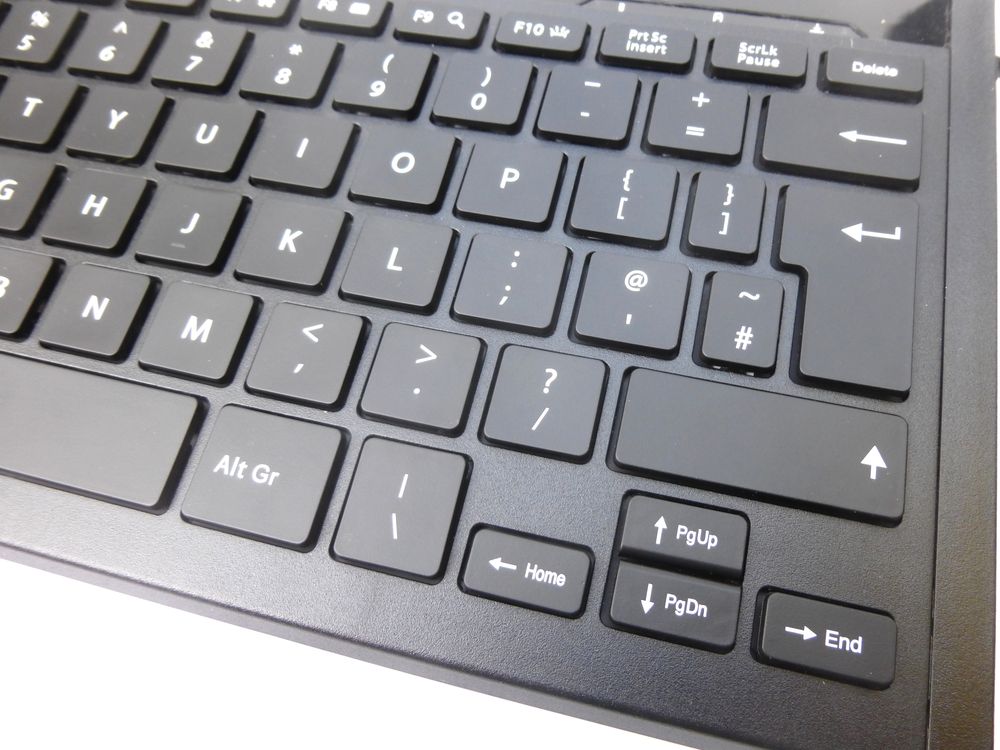
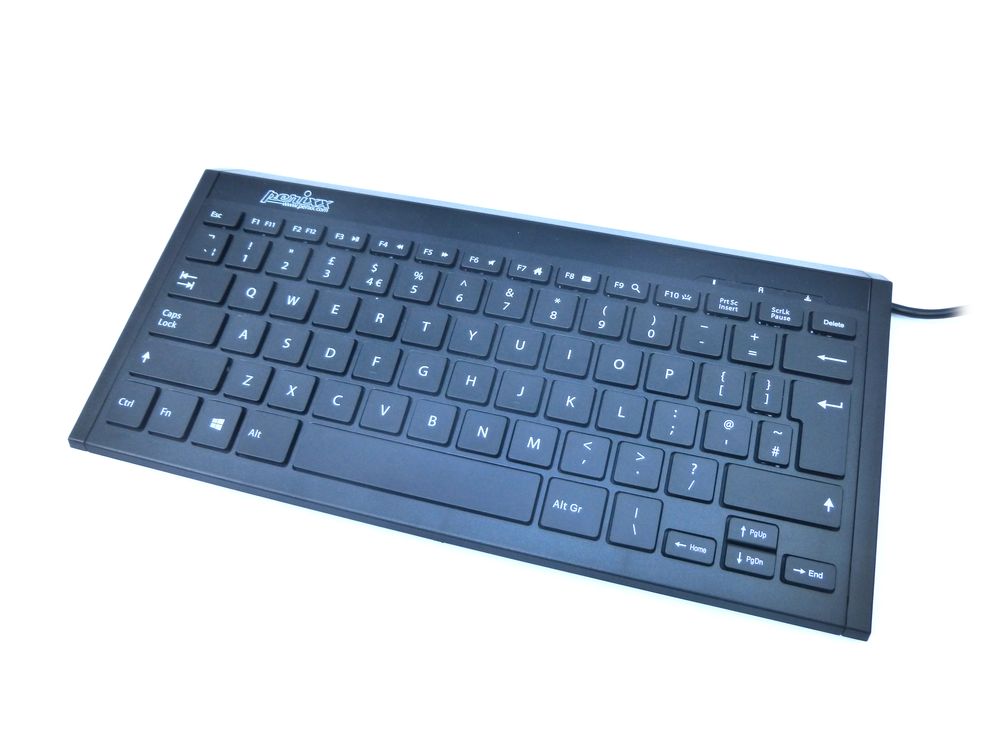
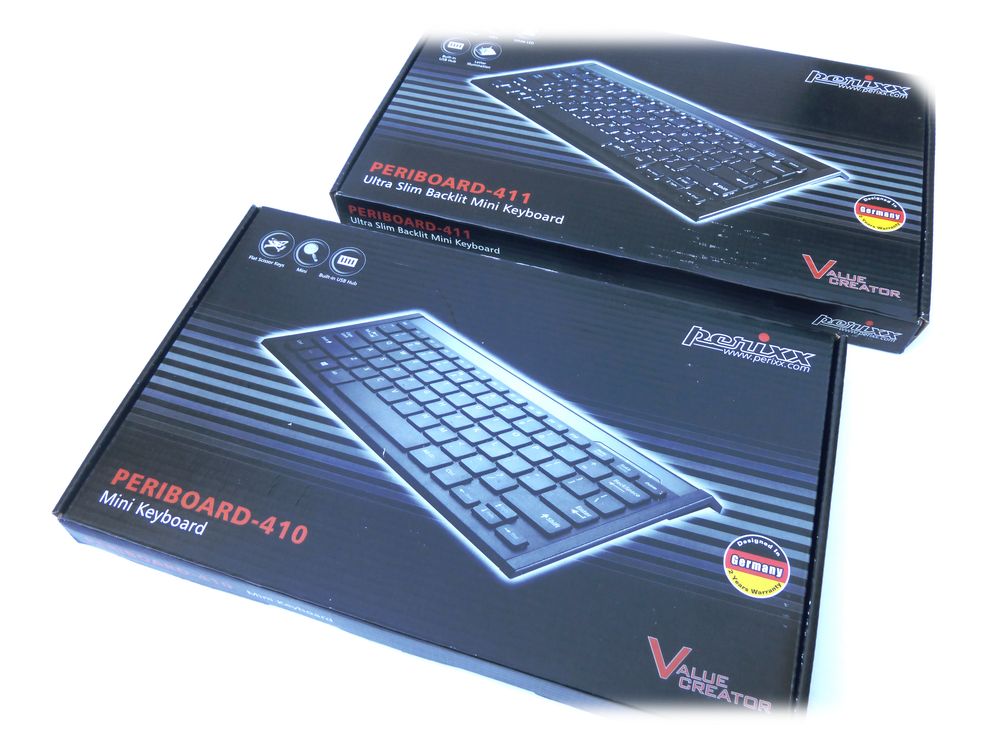
    Perixx have recently released two new keyboards in their computer accessories range. These are the Perixx Periboard 410 and 411 models. Functionally and aesthetically they are identical but the 411 has back-light illuminated keys, much like the Perixx 311 I’ve reviewed previously. 


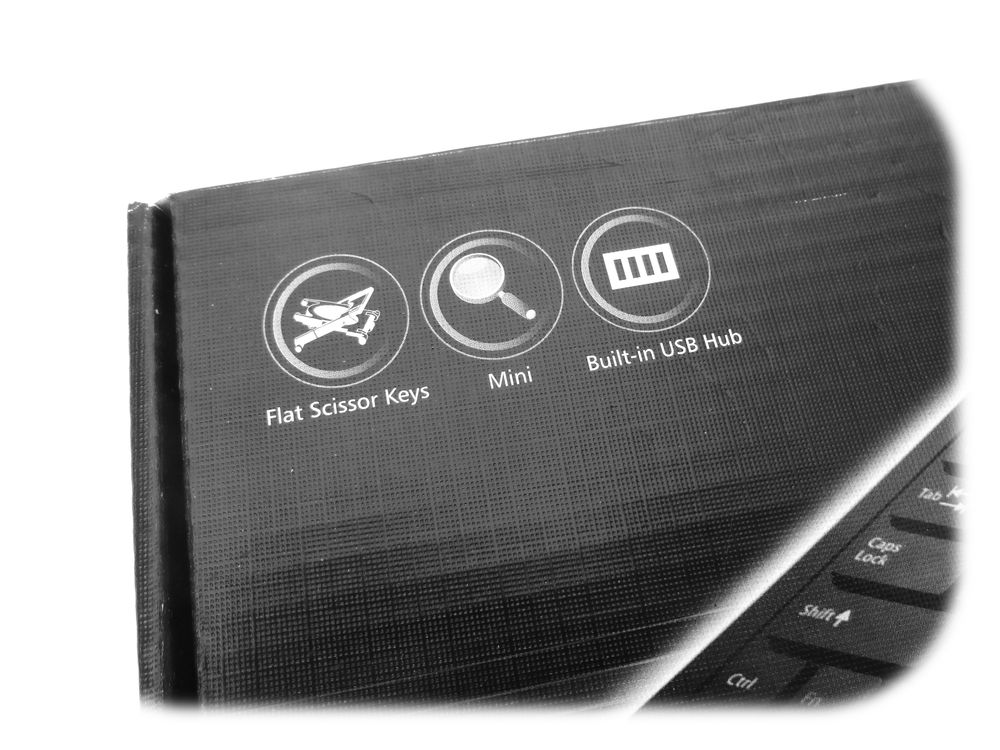
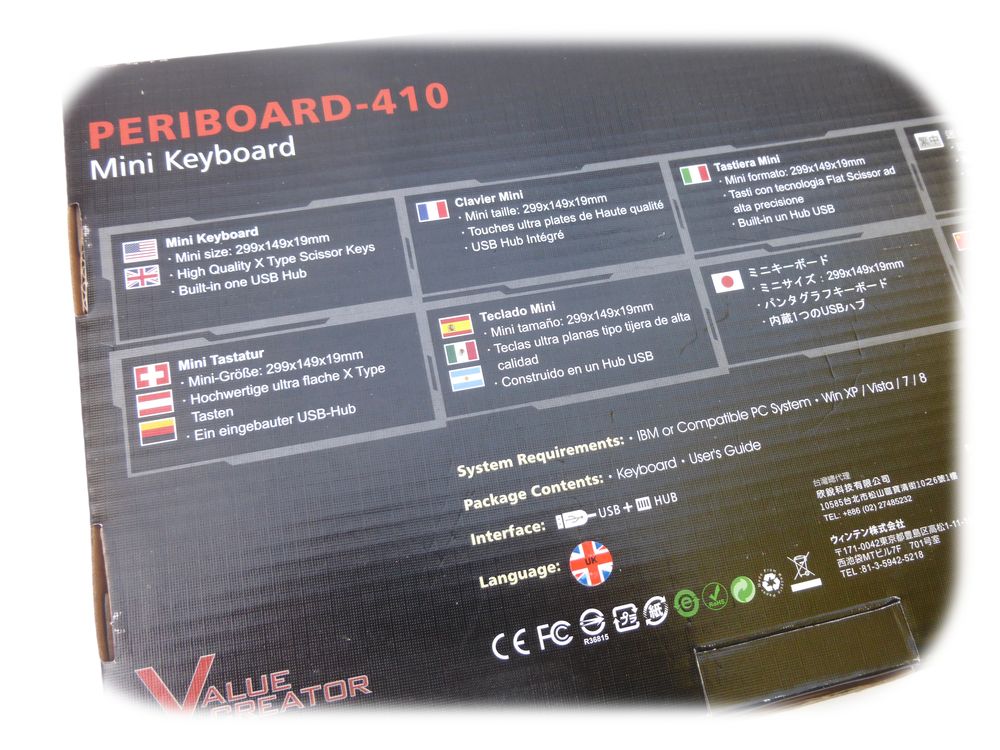
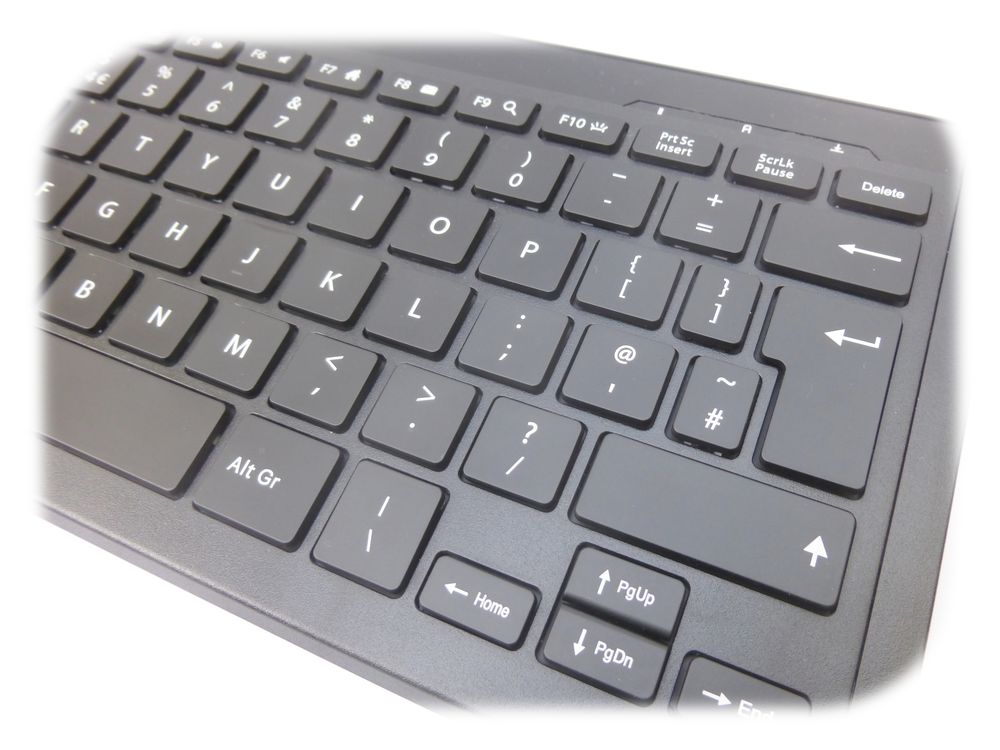
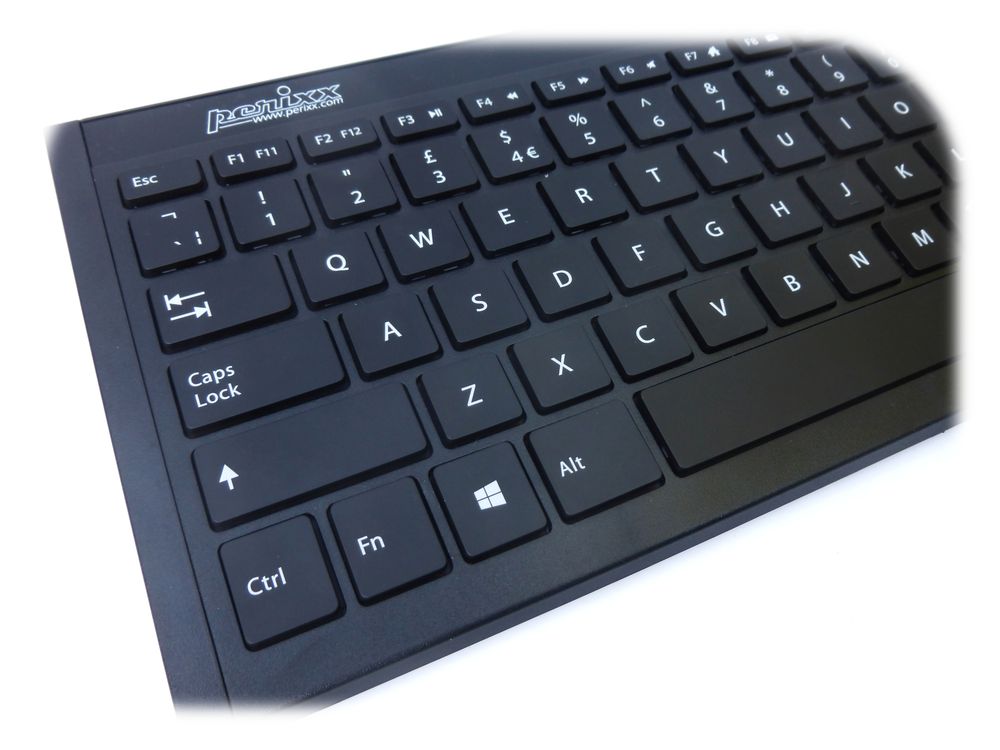
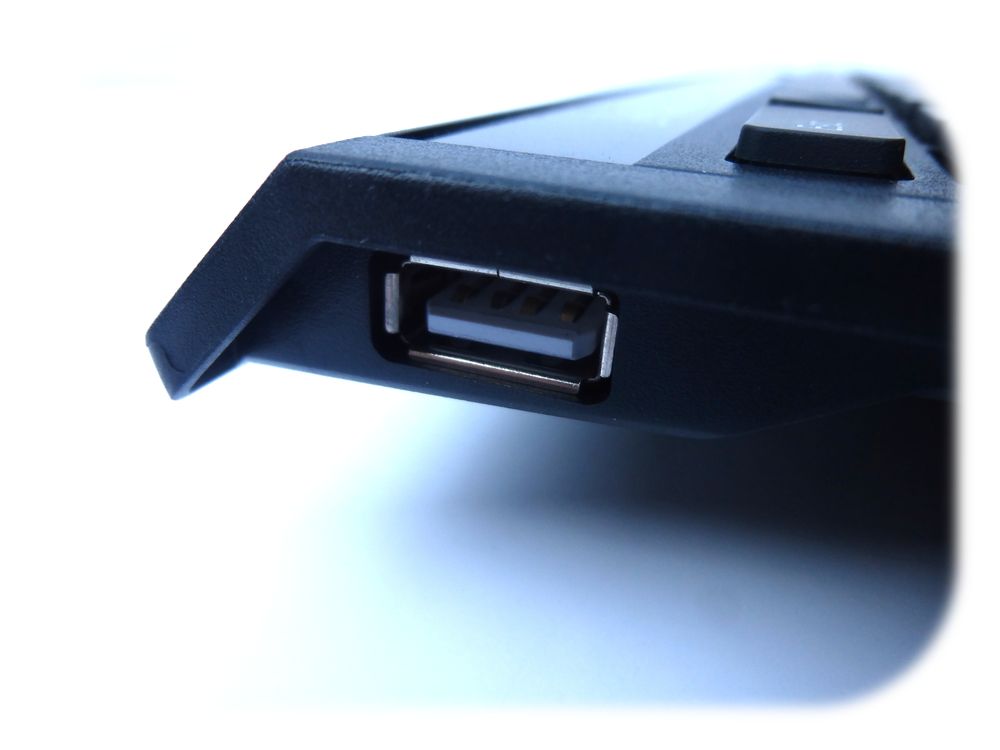
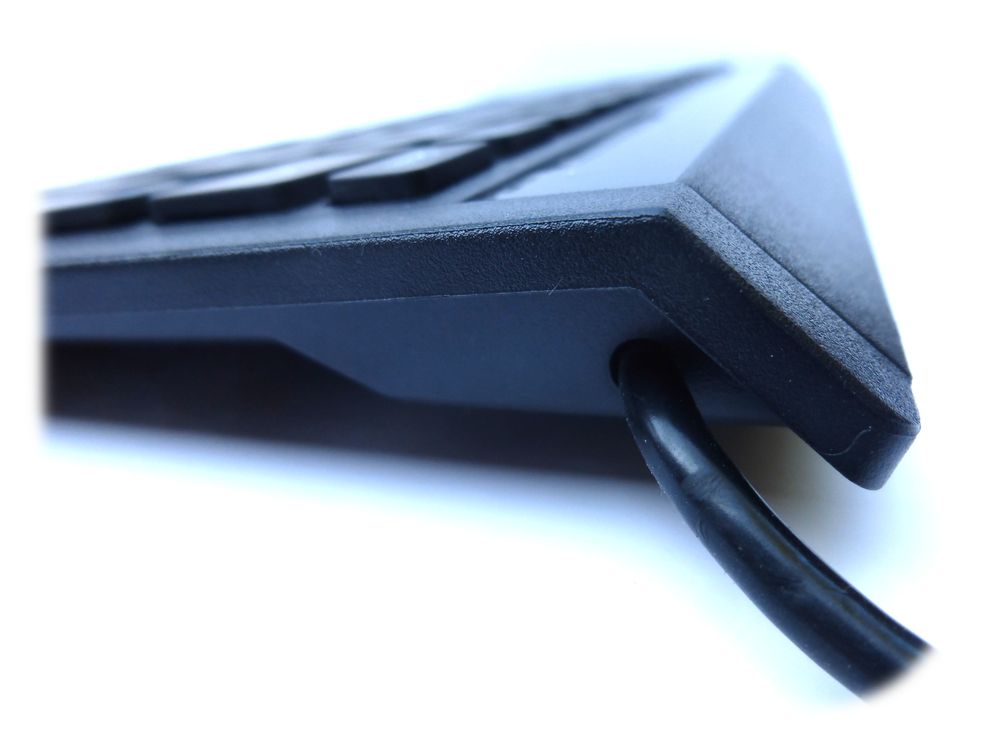
    Both the 410 and 411 are compact UK specification USB keyboards and both feature a standard USB cable and integrated USB socket on one side. As compact keyboards they don’t include the numeric keypad on the right hand side like their larger counterparts.
    Perixx Periboard 410

    So these models are for users who want a more space efficient design without compromising on usability.
    Perixx Periboard 410

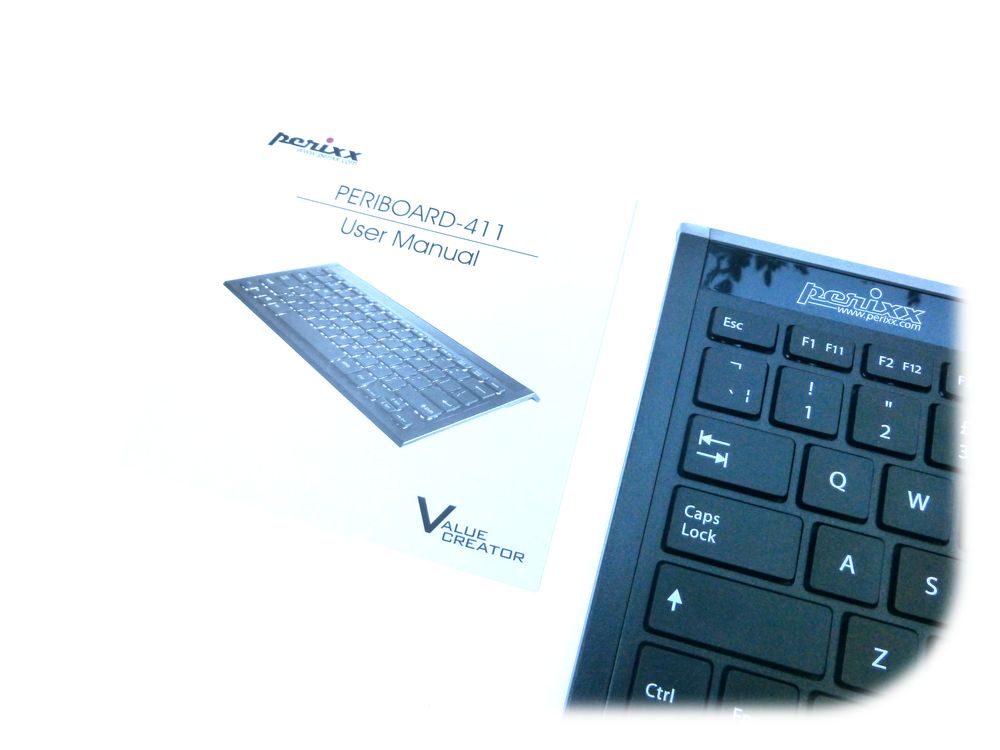
    The no-fuss packaging contains the keyboard and a small instruction booklet, although you probably don’t really need to know how to use it. Just plug it in and type!

    Specification

    • Mini wired USB keyboard
    • 299 x 149 x 19mm
    • Built-in USB Hub (1 socket)
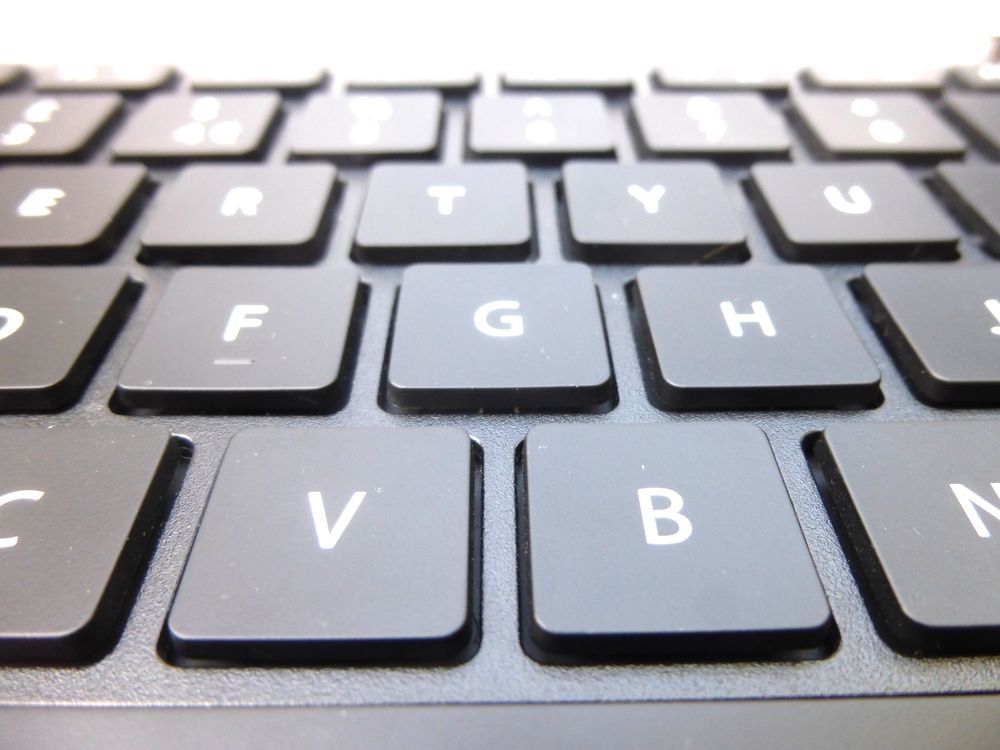
    • Silent X Type Scissor Keys
    • Illuminated keys (411 only)
    • Power rating 40mA @ 5V

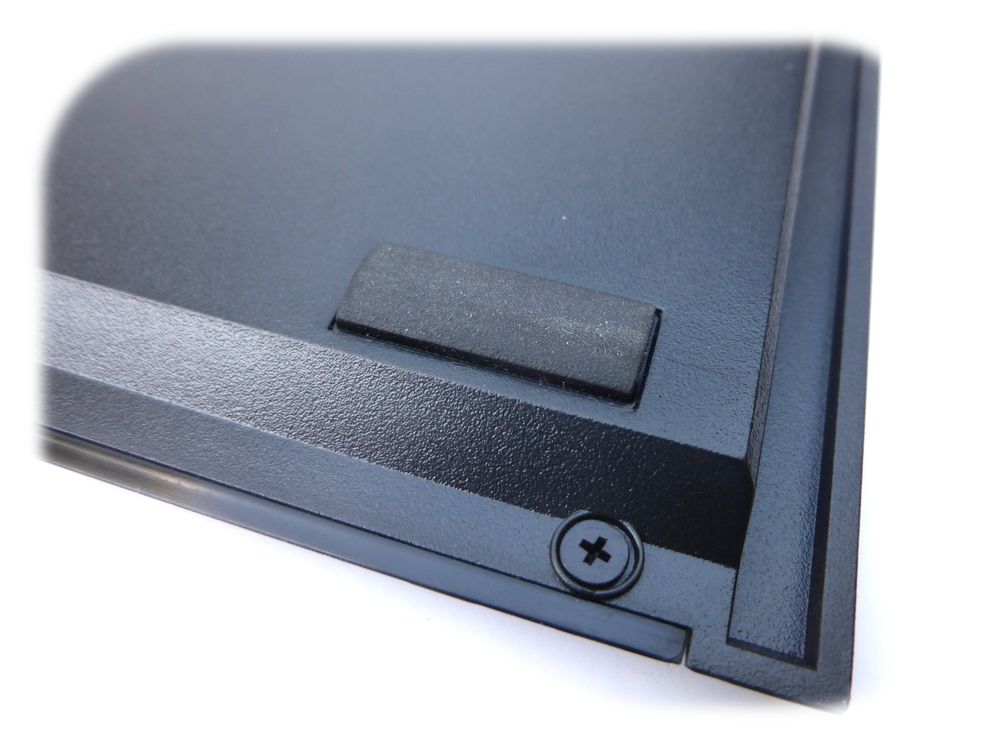
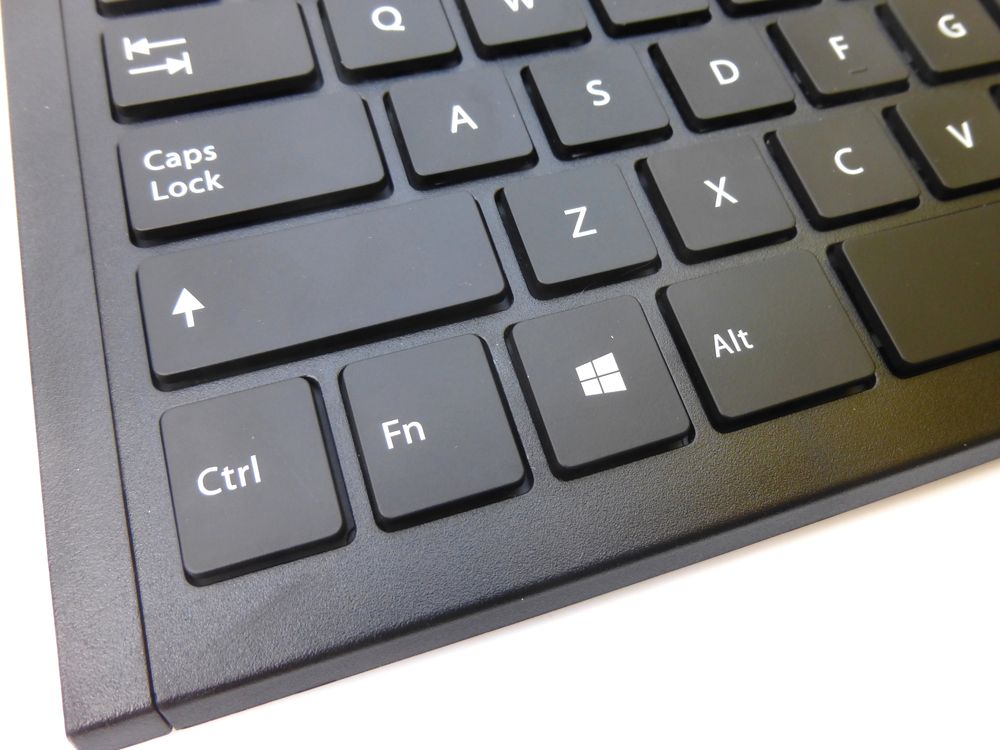
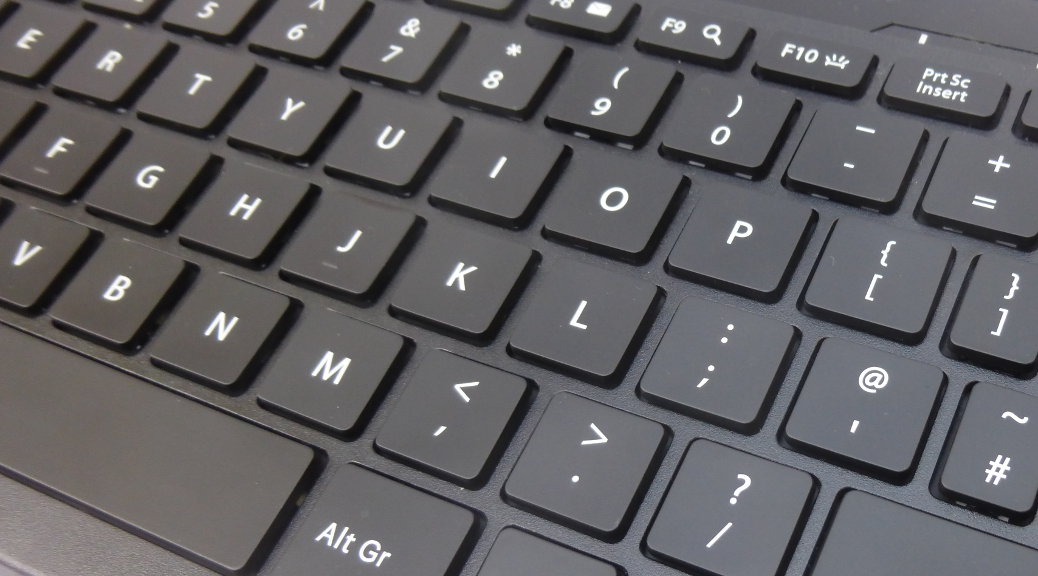
    As you would expect from Perixx the item is well made in black plastic. The underside features two small flip out stands which you can use to raise the back edge if to suit your personal preference.
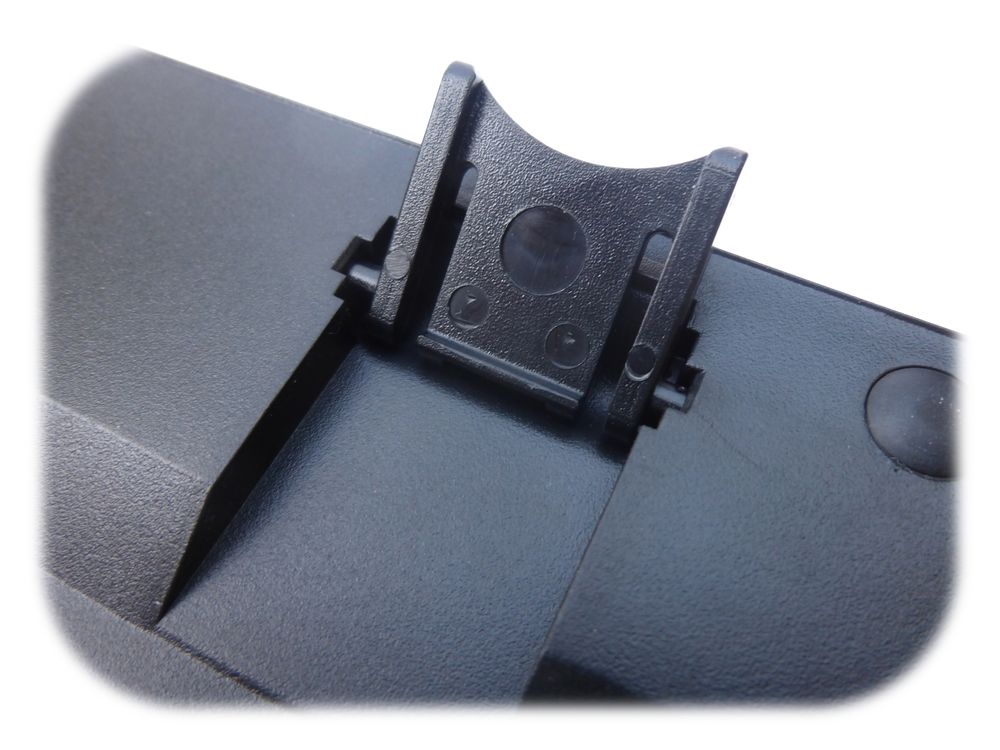
    Perixx Periboard 410

    I use the Perixx 311 Plus as my main PC keyboard and I found the 410/411 keys to be slightly quieter.

    Who is it for?

    A user who wants a keyboard with a smaller footprint than a standard model.

    Who is it not for?

    A user who may enter a lot of numerical data and makes use of a numeric keypad.

    For my own use I prefer a full sized keyboard on my PC but I spend a lot of time playing with Raspberry Pi computers and compact keyboards are much better for those when I’ve got three keyboards on my desk!

    Overall the Periboard 410 & 411 are well made mini keyboards without any unnecessary bulk. Which model you choose if purely down to how much you like illuminated keys and whether you want to pay the extra.

    The full Perixx keyboard range is available from Amazon [Affiliate Link].


    Here are some more photos :
    Perixx Periboard 410
    Perixx Periboard 410
    Perixx Periboard 410
    Perixx Periboard 410
    Perixx Periboard 410
    Perixx Periboard 410
    Perixx Periboard 410
    Perixx Periboard 410
    Perixx Periboard 410
    Perixx Periboard 410
    Perixx Periboard 410
    Perixx Periboard 410
    Perixx Periboard 410
    Perixx Periboard 410
    Perixx Periboard 410
    Perixx Periboard 410
    Perixx Periboard 410
    Perixx Periboard 410
    Perixx Periboard 410
    Perixx Periboard 410

    Product Disclaimer

    This product was sent to me for review purposes. I was free to do whatever I liked with it, under no obligation and the above review is based on my own truthful experience.

    Some of the product links in this post are affiliate links. I receive a small commission based on purchases made via these links. The price you pay is the same.

    Share. Facebook Twitter Pinterest LinkedIn Tumblr Email
    Previous ArticleAndroid 4.0 Status and Notification Icons
    Next Article Installing GIMP Plugins and Scripts In Windows

    Related Posts

    Syncwire 3.5mm Audio Cable

    9.7

    Gritin USB-C Cable 3 Pack

    9.7

    Syncwire USB-C Cable 2M UNBREAKcable Series

    Leave A Reply Cancel Reply

    This site uses Akismet to reduce spam. Learn how your comment data is processed.

    109

    Recent Posts
    May 1, 2025

    SharePoint Internal Column Name Encoded Character List

    March 24, 2025

    Satchel Pelts List for Red Dead Redemption 2

    January 29, 2025

    Create a Video Wall With FFmpeg

    Categories
    • 3D Printing
    • Android
    • Arduino
    • Development
    • ESP8266
    • Excel
    • Gaming
    • General
    • GIMP
    • Home Automation
    • JavaScript
    • Linux
    • Microsoft Office
    • Mobile Devices
    • Oracle APEX
    • Python
    • Raspberry Pi
    • Reviews
    • Security
    • SharePoint
    • Tutorials & Help
    • VBScript
    Web Tools

    A set of quick and basic online tools for web designers and software developers :

    • Hash Generator
    • Text to HTML List
    • Text to HTML Table
    • URL Encoder and Decoder
    • UNIX Timestamp Calculator
    • LED Resistor Calculator
    • Extract Email from Text
    • Mortgage Calculator
    Tags
    Android APEX Apple Arduino Black Friday Coolermaster csv Elite Dangerous email ESP-01 ESP8266 EV Excel file handling Format gaming GIMP Gritin Home Assistant Home Automation Linux lists Media os.stat os.walk Outlander Power Python Qi RDR2 Review scam Security SharePoint 2010 string Syncwire text text files TrueCrypt Ubuntu USB-C VBA VBscript Windows 10 Xbox One
    About

    Welcome to Technology Spy, a site devoted to gadgets, computers, programming and all things technology! You’ll also find product reviews for items I own as well as tutorials, guides and scripts for the software I use.

    Archives
    Other Resources
    • MattsBits
    • Raspberry Pi Spy
    YouTube Facebook Instagram Pinterest RSS

    Entries RSS | Comments RSS

    Copyright © 2025 - All Rights Reserved - Matt Hawkins

    mastodon.social@MattHawkins

    Type above and press Enter to search. Press Esc to cancel.